Applies To: WatchGuard CloudDR
In WatchGuard CloudDR, you can configure settings that affect the generation of posture and identity issues for your organization. You can also view reports and download data from the Organization Settings page. Service Providers can configure settings for multiple organizations.
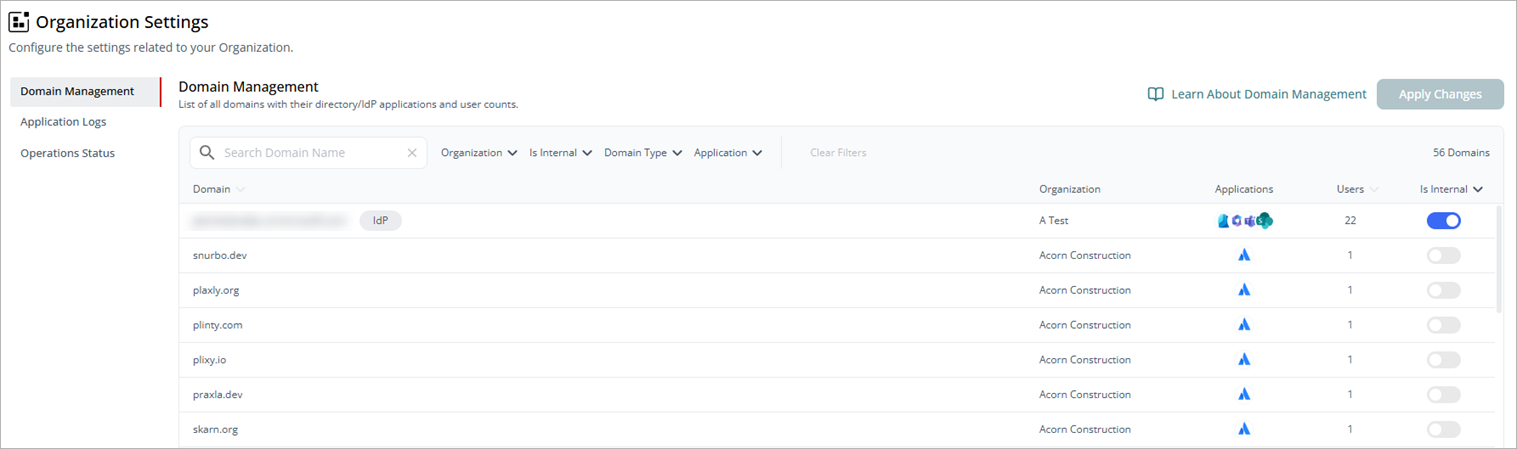
Overview > Organization Settings for Service Providers
There are more settings available for a single organization.
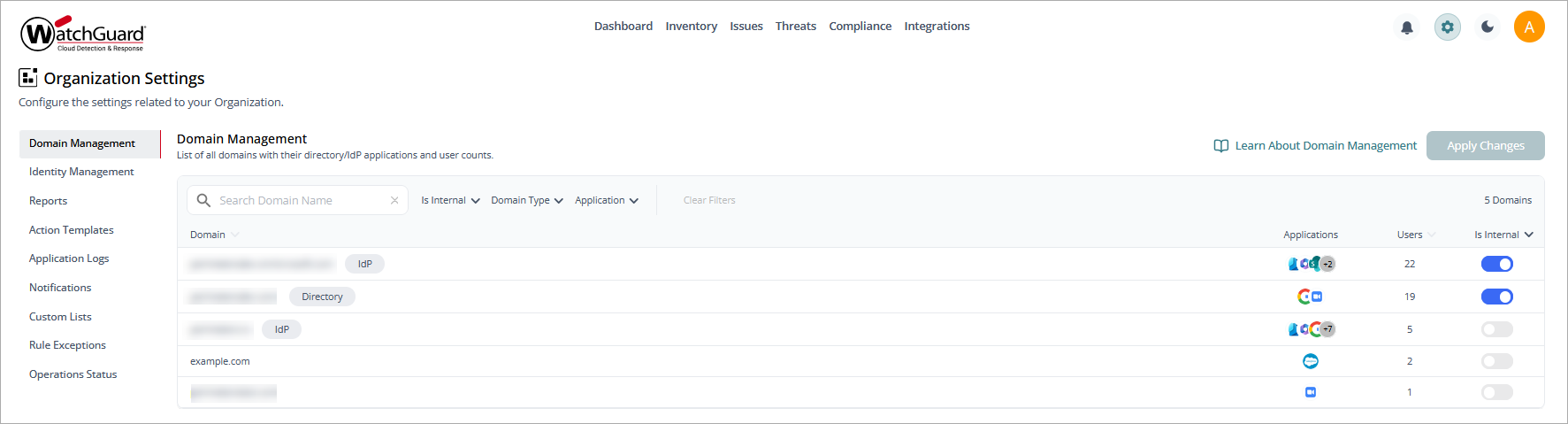
Organization Settings for a single organization
To open the settings for your organization, click  in the upper-right corner of any page in the CloudDR management UI.
For more information about settings, go to:
- Domain Management in WatchGuard CloudDR
- Identity Management in WatchGuard CloudDR
- Reports in WatchGuard CloudDR
- Action Templates in WatchGuard CloudDR
- Application Logs in WatchGuard CloudDR
- Notifications Management in WatchGuard CloudDR
- Custom Lists in WatchGuard CloudDR
- Rule Exceptions in WatchGuard CloudDR
- Operations Status in WatchGuard CloudDR