Applies To: WatchGuard CloudDR
The Operations Status page provides an overview of all bulk actions performed in WatchGuard CloudDR. Bulk operations include the ability to revoke file permissions, revoke sessions, and disable accounts.
To open the Operations Status page, from the CloudDR menu, select Settings. Select Operations Status.
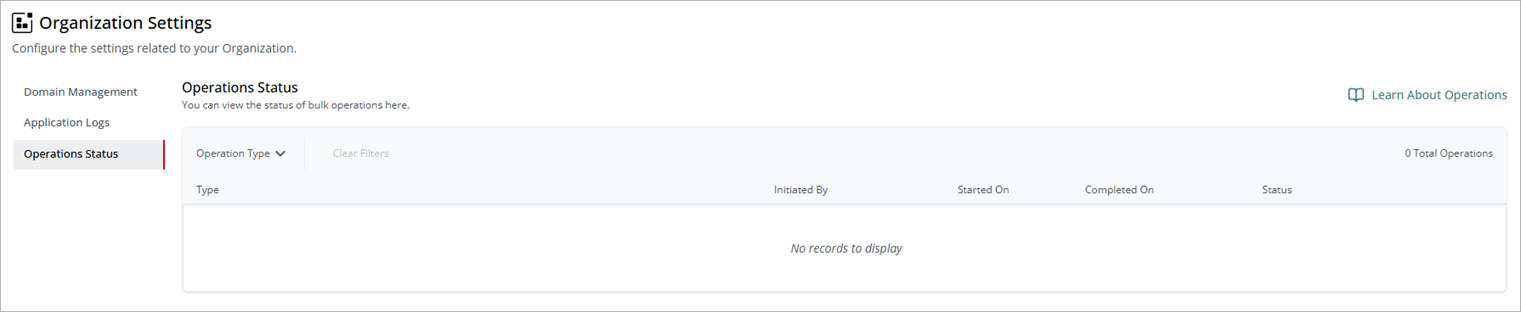
The Operations Status list shows this information for each bulk operation:
- Type — The operation type performed, such as Revoke Tpa Tokens, Revoke File Permissions, Misconfig Aut Fix, Disable Account, Delete Account, and Revoke Sessions.
- Initiated By — The name of the user account that triggered the operation.
- Started On — When the operation was initiated.
- Completed On — When the operation completed (if complete).
- Status — The status of the operation, with a visual indicator of the progress.
To view more details for a specific bulk operation, such as information about the affected files and folders or assigned and revoked privileges, click  , then select Show More.