Applies To: WatchGuard CloudDR
Custom lists are used to create exclusions. For example, you can create a list of approved external share users, or approved file owners. The users or email addresses in the list are excluded from rules. The Custom Lists page includes this information for a list:
- List Name
- Type (Email, Domain, Classifier Tags, or Mime Type)
- Values
- Applied Filters
To open the Custom Lists page for a single organization, from the CloudDR menu, select Settings. Select Custom Lists.
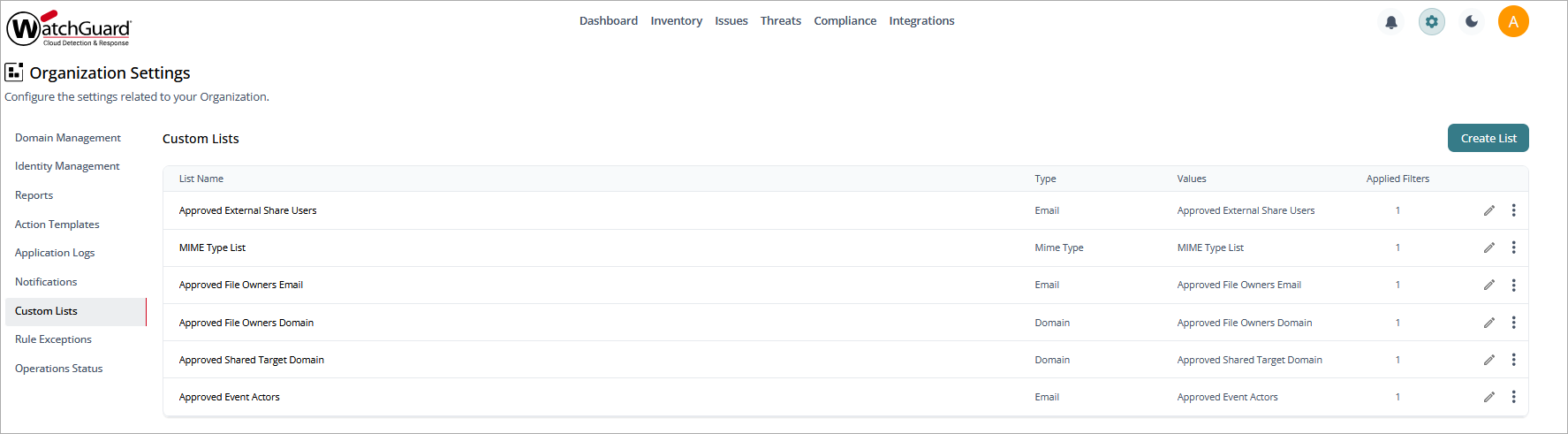
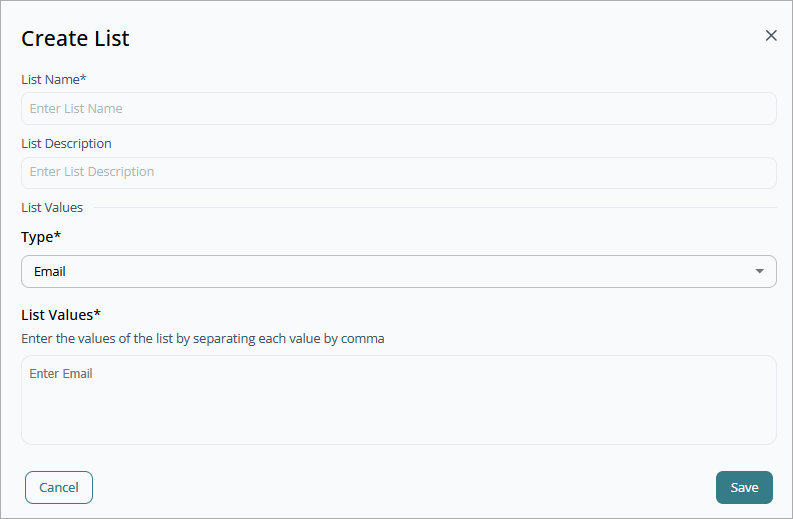
To create s list, click Create List.
To edit a custom list, click  .
.