Applies To: WatchGuard CloudDR
Rule exceptions enable you to ignore an issue or whitelist a potential threat for a single organization. To open the Rule Exceptions page for a single organization, click Settings, then select Rule Exceptions.
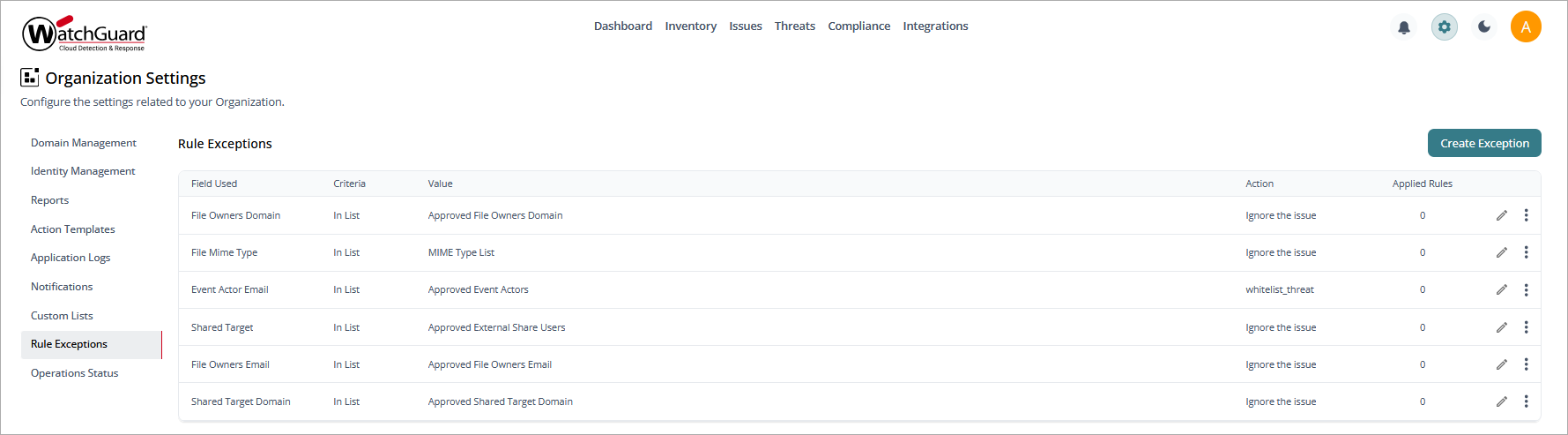
To create an issue or threat exception in the organization:
- Click Create Exception.
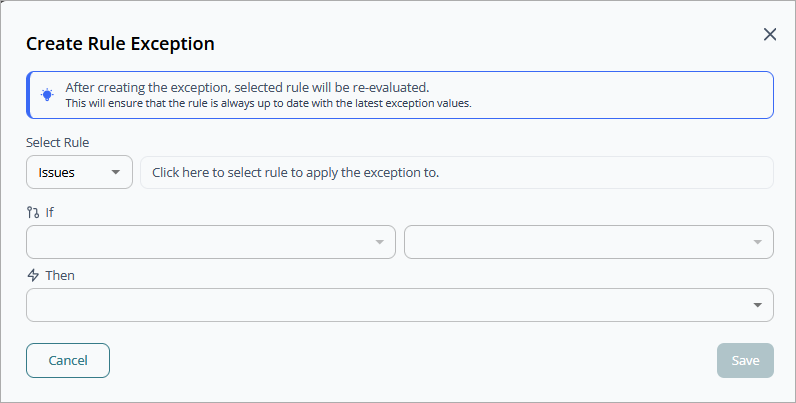
- From the Select Rule drop-down list, select Issues or Threats.
- Select the rule you want to apply the exception to. Click Select Rule.
- Specify the If/Then statement for the exception.
- Click Save.
To edit an exception:
- Select the exception from the list.
- Click
 to edit the If/Then statement.
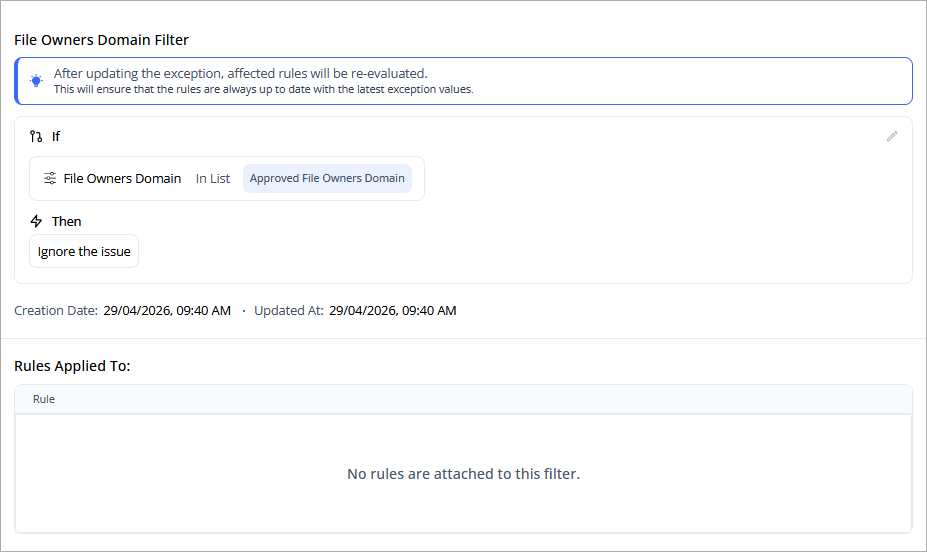
- To add rules to the exception, click Add Rules.
- Select the rules you want to add. Click Add Rules.