Applies To: WatchGuard Account
On the Manage Products page at WatchGuard.com, you can review a list of all WatchGuard devices and licenses activated in your account. For more information on licenses, go to See License Details at WatchGuard.com.
To open the Manage Products page:
- Open a web browser and go to https://myproducts.watchguard.com/manage-products.
- Log in with your WatchGuard account.
The Manage Products page opens.

- Use the search box to filter by serial number, friendly name, or model number, or click View Products to view the activated products for your account.
You can view products in these categories from the Manage Products page:
- Network Security
- Secure Wi-Fi
- Endpoint Security
- Identity Security
- FireCloud
- ThreatSync+
- Managed Services
- CloudDR
Network Security
From the Network Security page you can activate new products, renew device licenses, and view information about devices and products activated for your account. Select these tabs for more information:
- Fireboxes — Shows the Fireboxes activated for your account. For more information on how to activate Fireboxes, go to Activate a WatchGuard Firebox.
- WatchGuard System Manager — Shows the WatchGuard System Manager software licenses activated for your account. For more information about how to use the WatchGuard System Manager license key, go to Set Up WatchGuard Servers.
- EDR Core — Shows the WatchGuard EDR Core licenses activated for your account. For more information, go to Quick Start — Set Up WatchGuard EDR Core.
- Data Retention — Shows data retention licenses for your devices. For more information, go to Manage Data Retention Licenses.
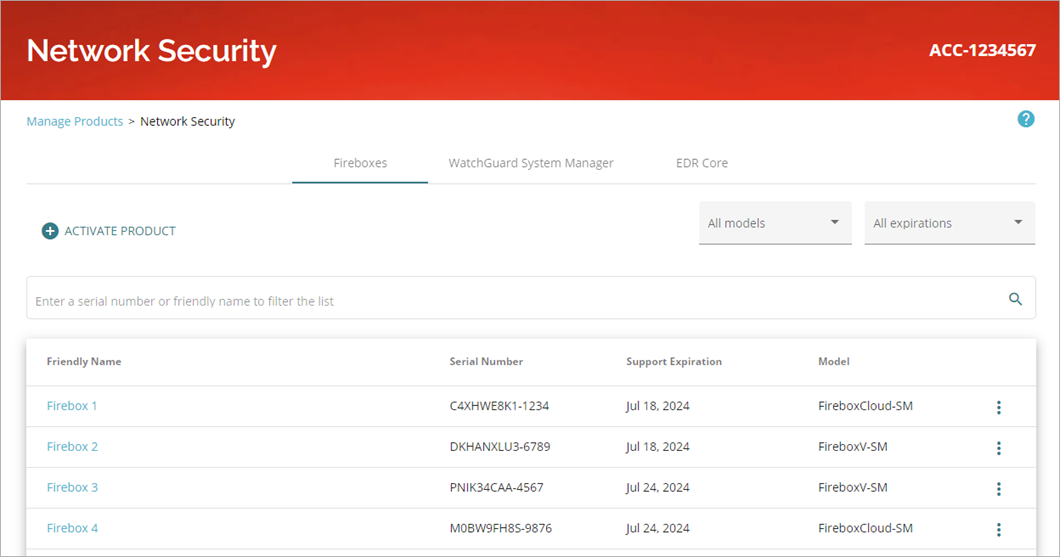
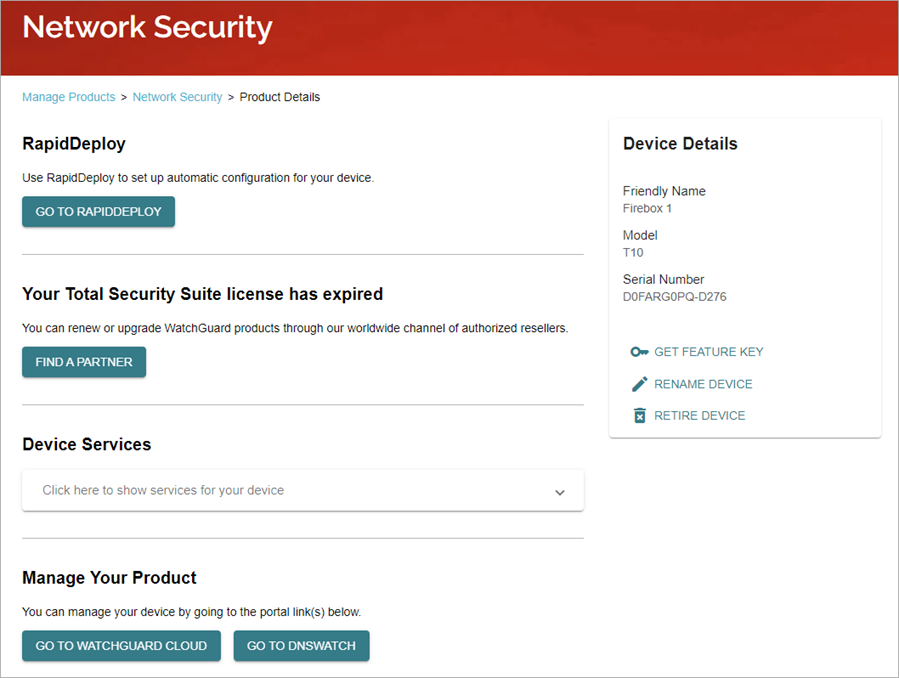
Use the search box to filter by serial number, friendly name, or model number. Select a friendly name to open the Product Details page.
Secure Wi-Fi
From the Secure Wi-Fi page you can activate new Wi-Fi products and view information about the products activated for your account.
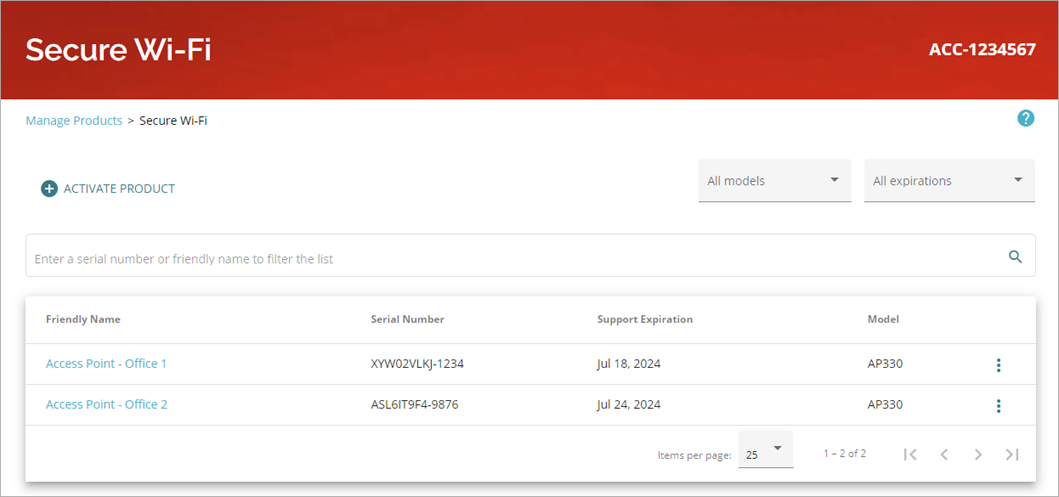
Use the search box to filter by serial number, friendly name, or model number. Select a friendly name to open the Product Details page.
Endpoint Security
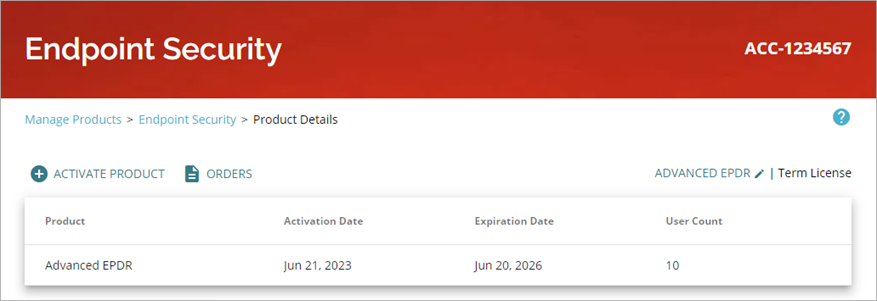
From the Endpoint Security page you can activate new products and view information on Endpoint Security products licensed to your account.
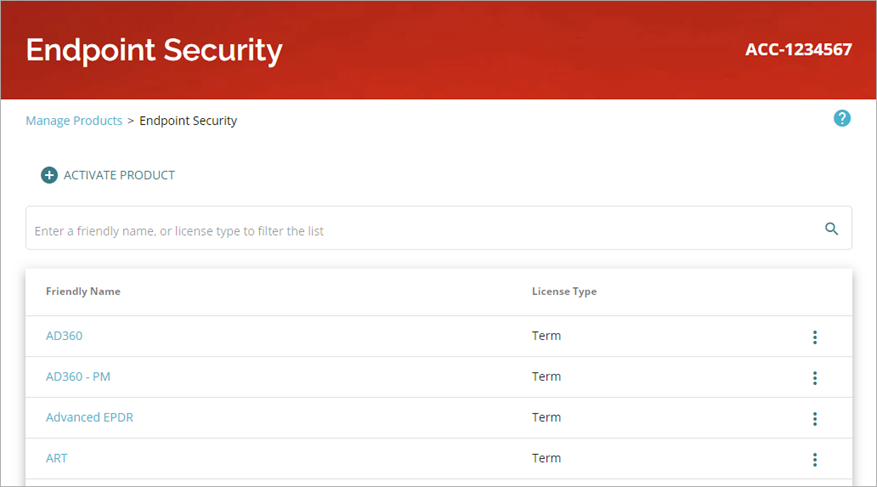
Use the search box to filter by friendly name or license type. Select a friendly name to open the Product Details page.
Identity Security
From the Identity Security page you can activate new products and view information on AuthPoint products licensed to your account.
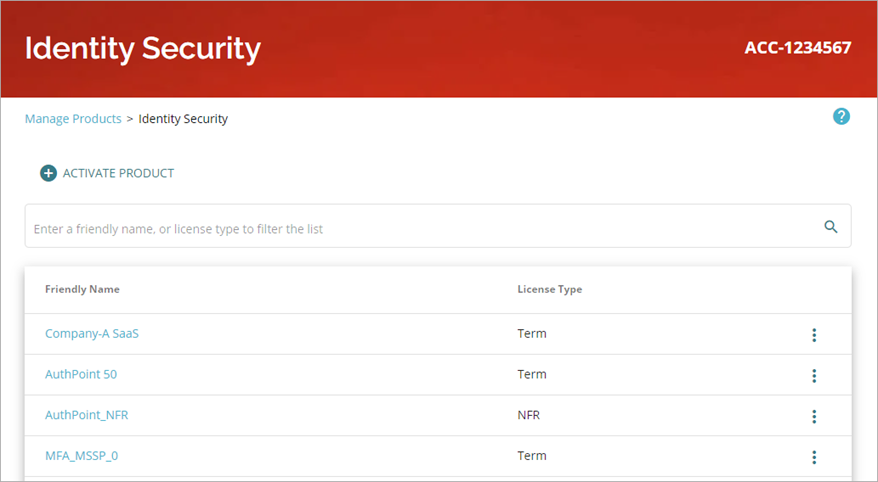
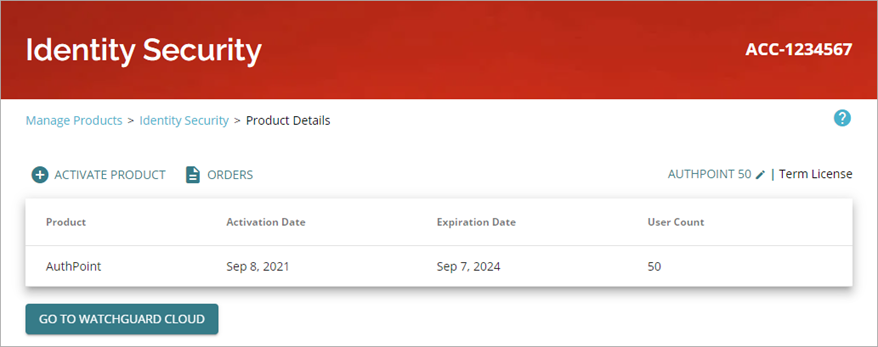
Use the search box to filter by friendly name or license type. Select a friendly name to open the Product Details page.
FireCloud
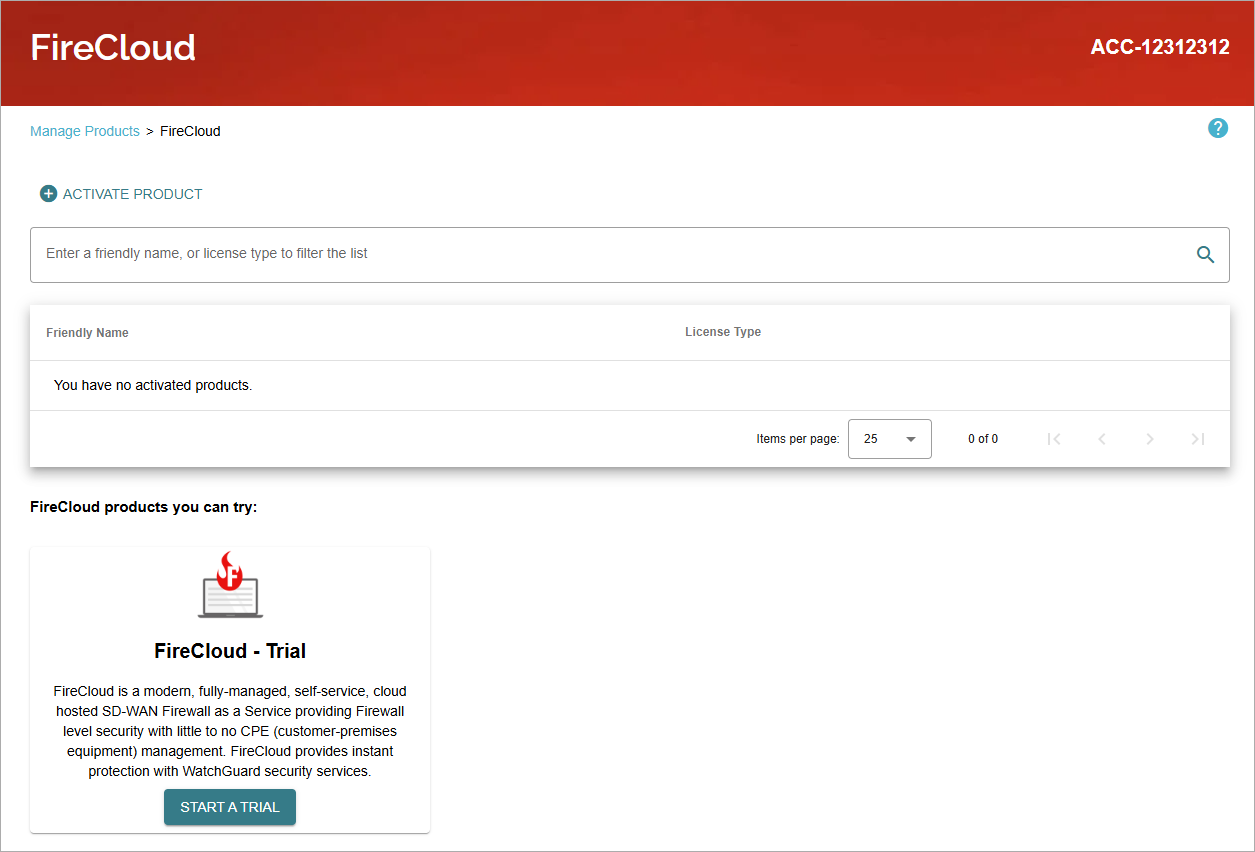
From the FireCloud page you can activate FireCloud licenses and view information on your activated products. You can start a trial.
ThreatSync+
From the ThreatSync+ page you can activate new products and view information on ThreatSync+ products licensed to your account, such as ThreatSync+ NDR, ThreatSync+ SaaS, WatchGuard Compliance Reporting, Total NDR, and WatchGuard NDR for Firebox licenses.
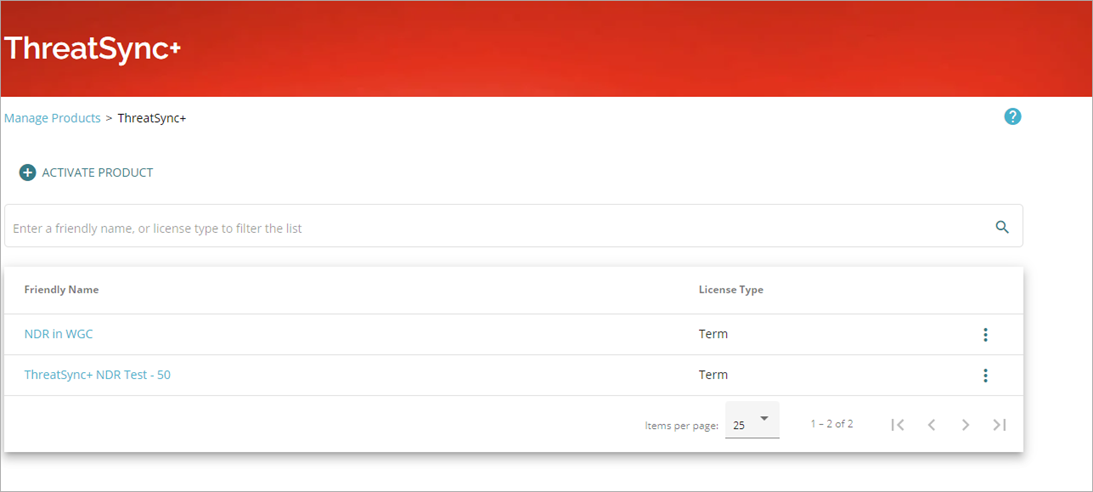
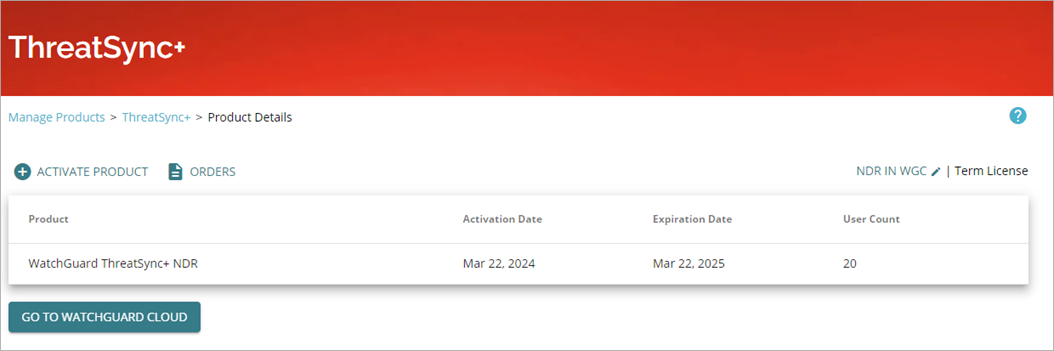
Use the search box to filter by friendly name or license type. Select a friendly name to open the Product Details page.
Managed Services
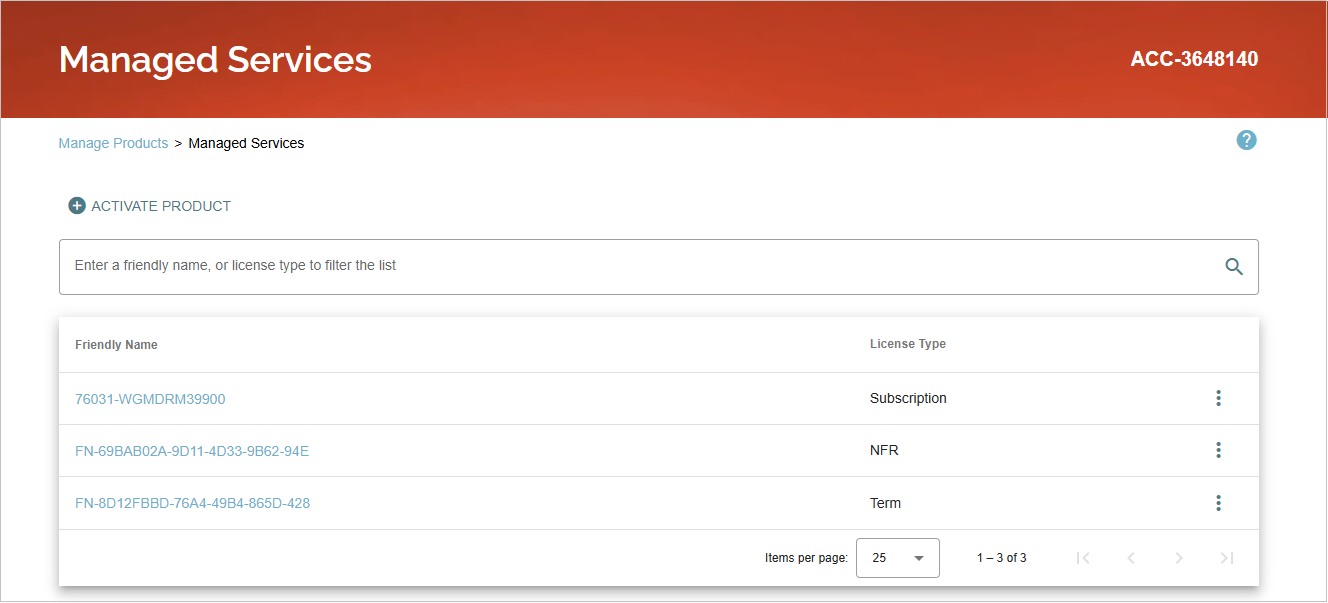
From the Managed Services page you can activate and view information on MDR products licensed to your account, such as WatchGuard Core MDR for Microsoft.
CloudDR
From the CloudDR page you can activate WatchGuard Cloud Detection and Response (CloudDR) licenses and view information on your activated products.
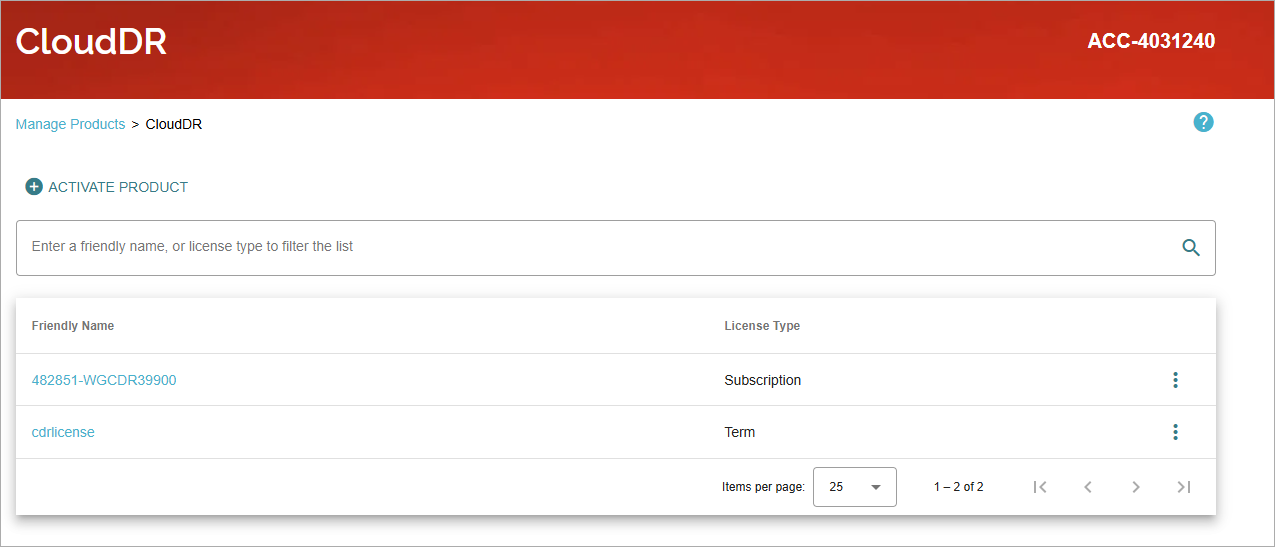
Select a friendly name to open the Product Details page.

See License Details at WatchGuard.com
Activate a Device or Service at WatchGuard.com
Activate an Endpoint Security License
Activate a WatchGuard CloudDR License
Activate a WatchGuard Compliance Reporting License
Activate a ThreatSync+ NDR License
Activate a ThreatSync+ SaaS License