Applies To: WatchGuard Cloud
This feature is available only to participants in the WatchGuard Cloud Beta program.
For Service Providers, the Security Strength History page shows the security strength trend for a selected time period.
On this page, you can review the security strength trend for the last 24 hours, last 7 days, last month, or a custom time period. You can also view a list of security alerts during the time period and their score impact. Use this page to review the impact of actions taken by operators to improve the security strength score and measure progress over time.
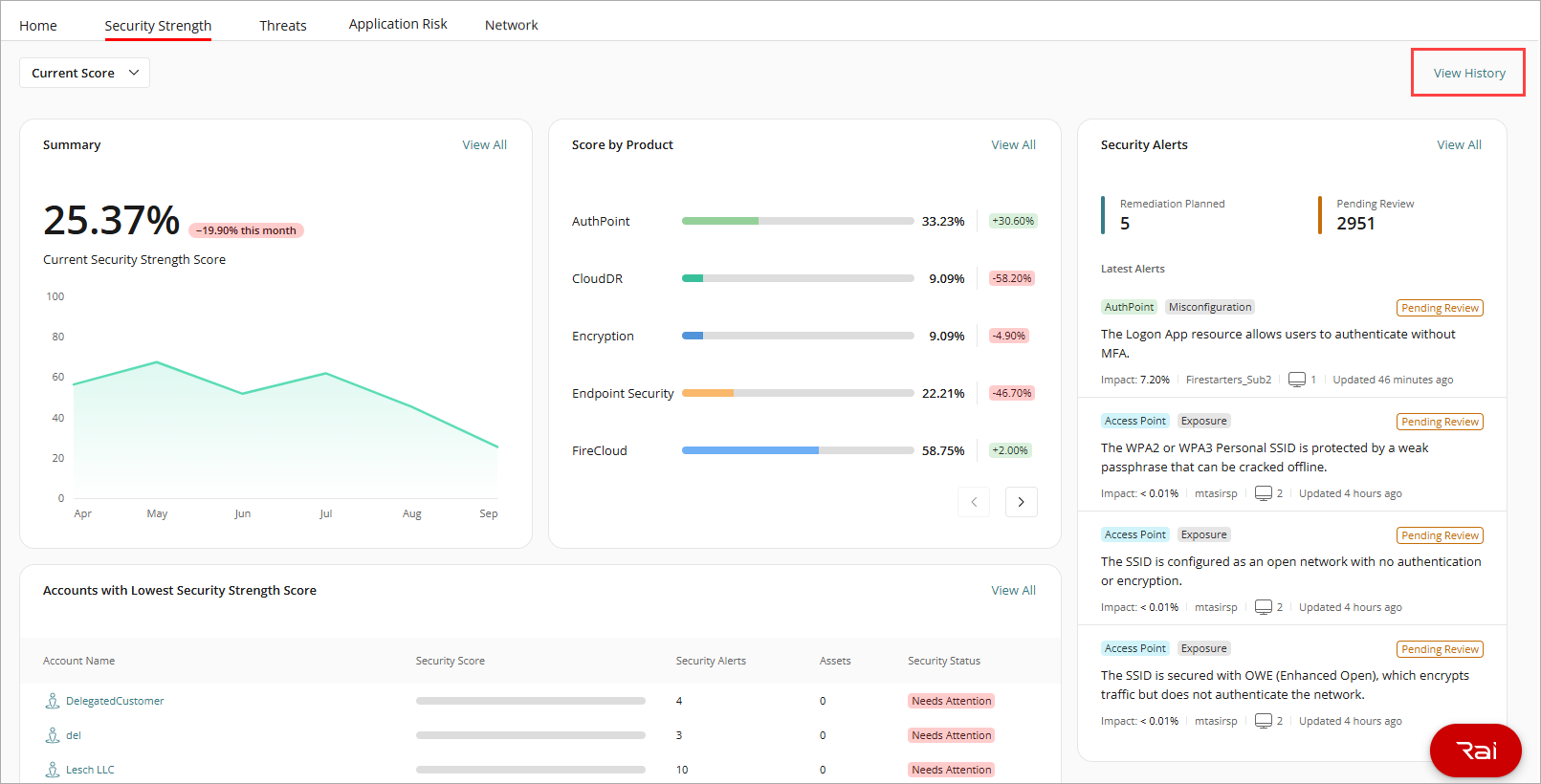
To open the Security Strength History page, on the Security Strength dashboard, click View History.
To select a time period, in the upper-right corner, click the calendar, then select a time period.
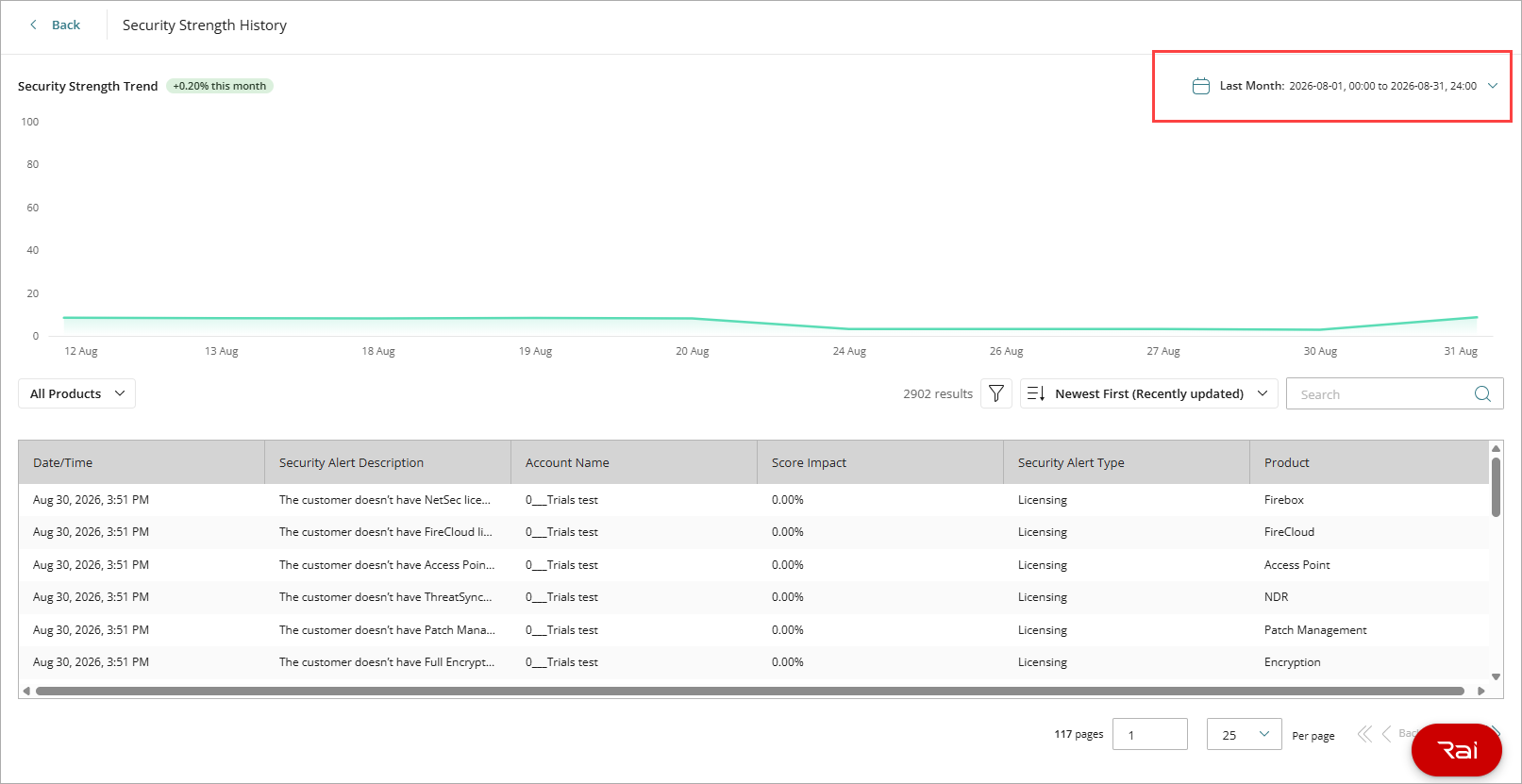
The green line of the Security Strength trend diagram shows the security strength score over the time period. Next to the diagram title, you can view the change in the score over the time period. Use this diagram to verify that remediation efforts have a measurable impact, or to identify periods of decline that require attention.
Below the trend diagram, you can view a list of security alerts, including their description, the account, the score impact, the security alert type, and the affected product.
For more information about the security strength score, go to About the Security Strength Score.