Applies To: PSInfoViewer
By default, the date and time of the information in the .7Z file from PSInfo is based on the local time of the endpoint device. You can change the date and time displayed in PSInfoViewer to show in the local time of the endpoint, your current time, or in UTC.
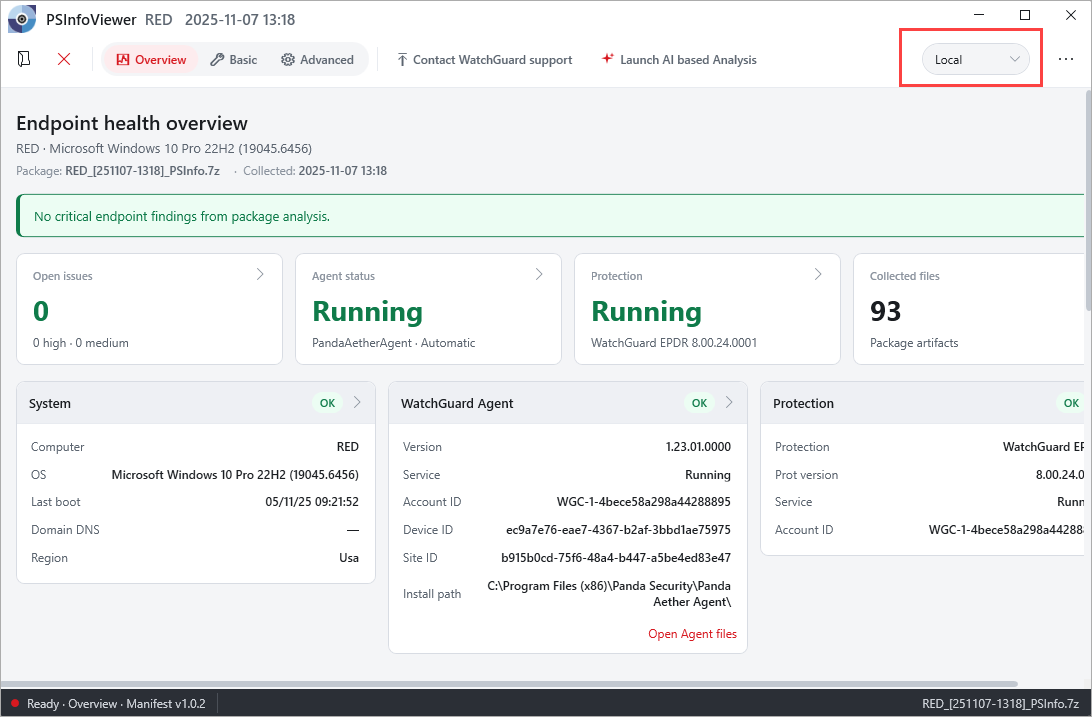
To set the time zone:
In the upper-right corner of the window, from the time zone drop-down list, select Local, UTC, or Current.
When you go to a different area of PSInfoViewer, time information updates to match the selected timezone.