Applies To: Endpoint Security Elite, Endpoint Security 360, Endpoint Security Prime, WatchGuard EDR, WatchGuard EDR Core, Endpoint Security Basic
This feature is only available in earlier versions of PSInfo prior to version 6.0.
Occasionally, when you try to uninstall an Endpoint Security product, the uninstallation might not be successful. From PSInfo, you can use the Protection Generic Uninstaller tool to fully uninstall the Endpoint Security product.
To uninstall your endpoint security product:
- Run PSInfo.exe.
The PSInfo dialog box opens. - Select the General tab.
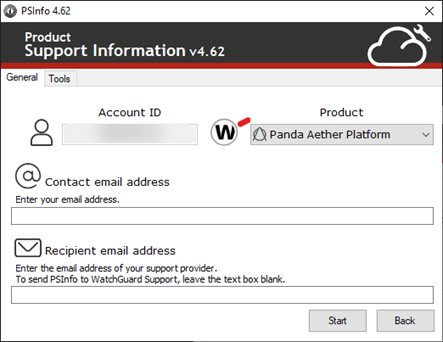
- From the Product drop-down list, select a product.
- Select the Tools tab.
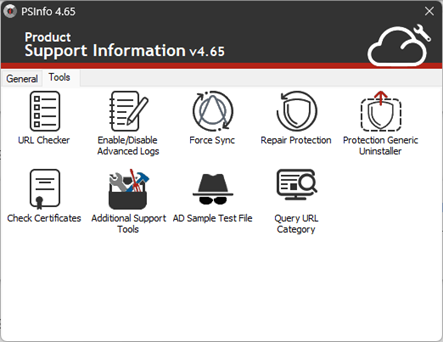
- Double-click Protection Generic Uninstaller.
The Protection Generic Uninstaller dialog box opens.
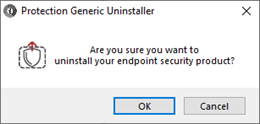
- Click OK.
The tool runs as a background process. - If you protect your endpoint security product with an uninstall password, the tool prompts you to provide the password to continue with the uninstall process.
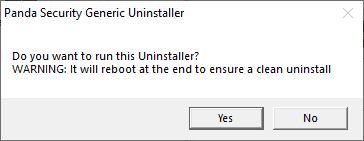
- Click Yes.
The tool uninstalls your endpoint security product and reboots your computer.