Incorrect Detection or Block of Malware
Applies To: Endpoint Security Elite, Endpoint Security 360, and WatchGuard EDR
If your Endpoint Security product incorrectly detects a file as malware, or incorrectly blocks a file, contact Support and provide this information:
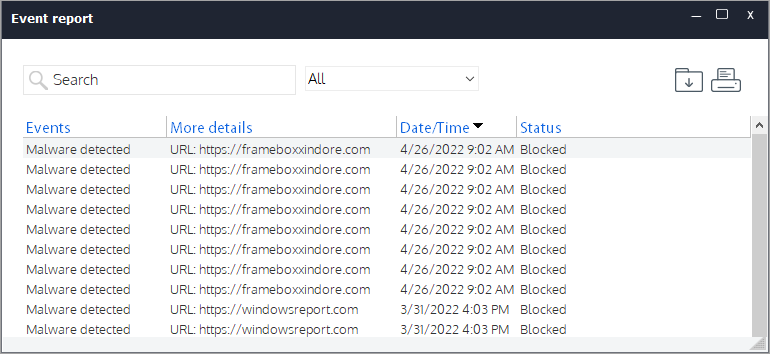
- From the WatchGuard Agent, select Antivirus and Advanced Protection > Event Report to export a report. Give the report to Support as part of your case.
- Use the Sample Submit tool to send the incorrectly detected file to Support. For information about local file submission, go to PSInfo Sample Submit. If you password‑protect the file, set the password to 'infected'.
- Select Event Report > Status. If the file status is Quarantine and you cannot obtain the file any other way, use the Sample Submit tool to send the file from Quarantine. For information about how to send a local quarantine file to Support, go to PSInfo Sample Submit.
- Use the PSInfo tool to provide more diagnostic logs to help Support troubleshoot your issue. For more information, go to Get Started with PSInfo.