
Related Topics
See How SurfControl Categorizes a Site
You can use the WatchGuard Security Portal to see how SurfControl categorizes a website.
- Open a web browser and go the WatchGuard Security Portal at https://www.watchguard.com/wgrd-support/security-portal/overview.
- Click SurfControl database.
The WatchGuard Test-a-Site page appears.
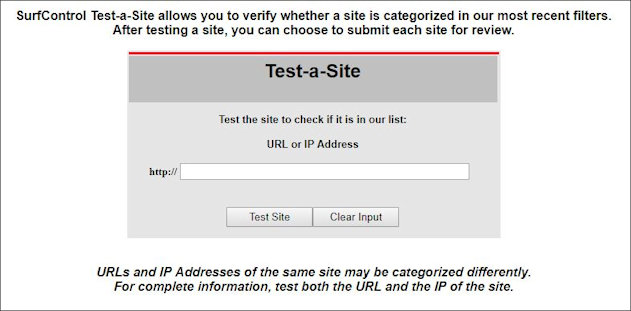
- Type the URL or IP address of the site to check.
- Click Test Site.
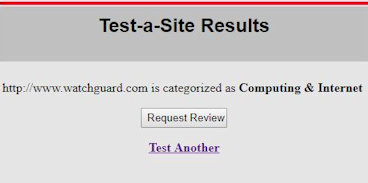
The WatchGuard Test-a-Site Results page appears.
If a site is not categorized, or if you think the site is not categorized correctly, you can send feedback to SurfControl. For more information, see Request a SurfControl Category Review.