Applies To: WatchGuard CloudDR
Rules are built-in policies that are applied against the applications and settings in your environment to identify issues or threats. For some rules, you can edit the parameter values (for example, password length, inactivity period, number of admins). These rules show with an edit icon ( ) in the Rule Pass Criteria section. If you cannot edit the values, then the edit icon does not show.
To edit rule pass criteria:
- Select Issues > Rules.
- Select a rule you want to review.
- Click Details.
- In the Rule Pass Criteria section, click .
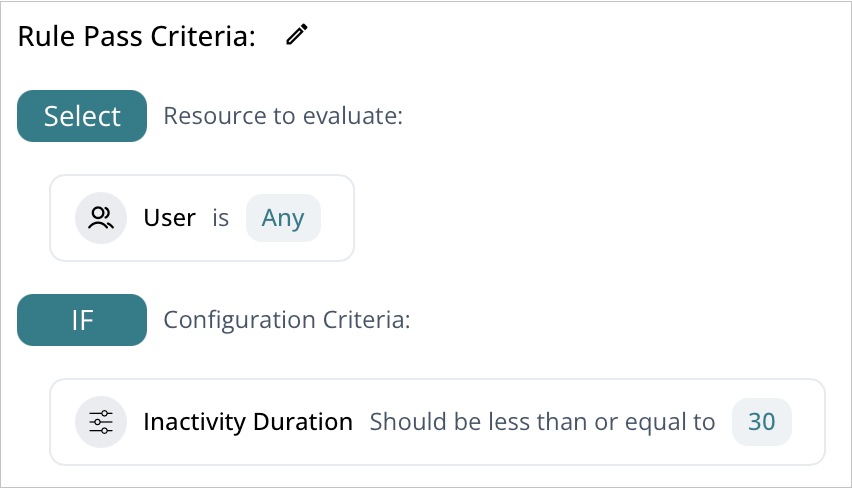
- Edit the values in the rule criteria.