Applies To: WatchGuard CloudDR
Add automation to automatically trigger an autofix action to run when a threat triggers a rule. Automations are useful to start remediation without the need for manual interaction.
For information on quick response actions, go to Automated Threat Response Actions in WatchGuard CloudDR.
To add automation for a rule, from WatchGuard Cloud:
- Select Configure > CloudDR.
- Select Threats > Rules.
- Select the rule you want to add automation for.
- On the rule details page, click Automation.
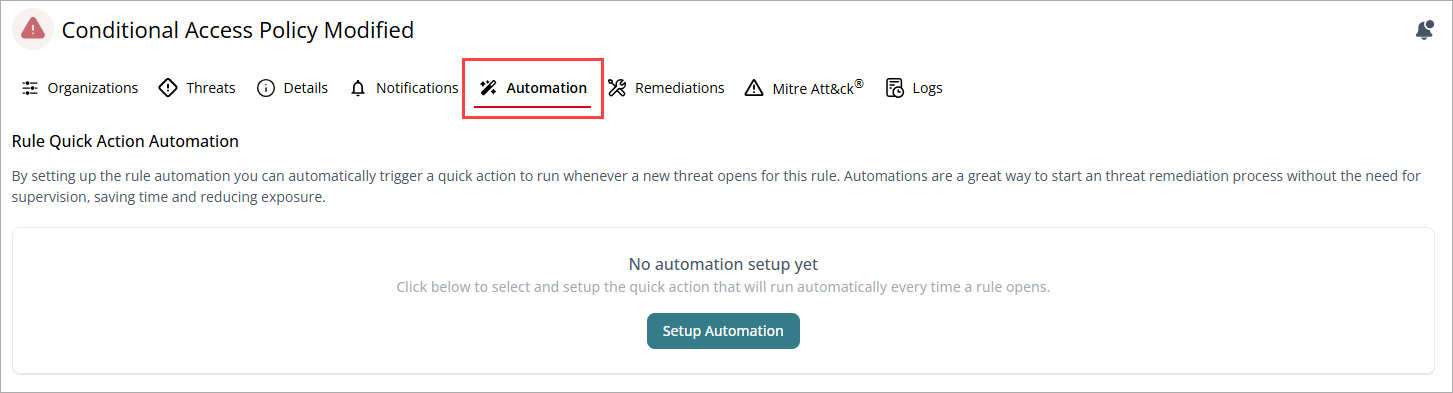
- Click Setup Automation.
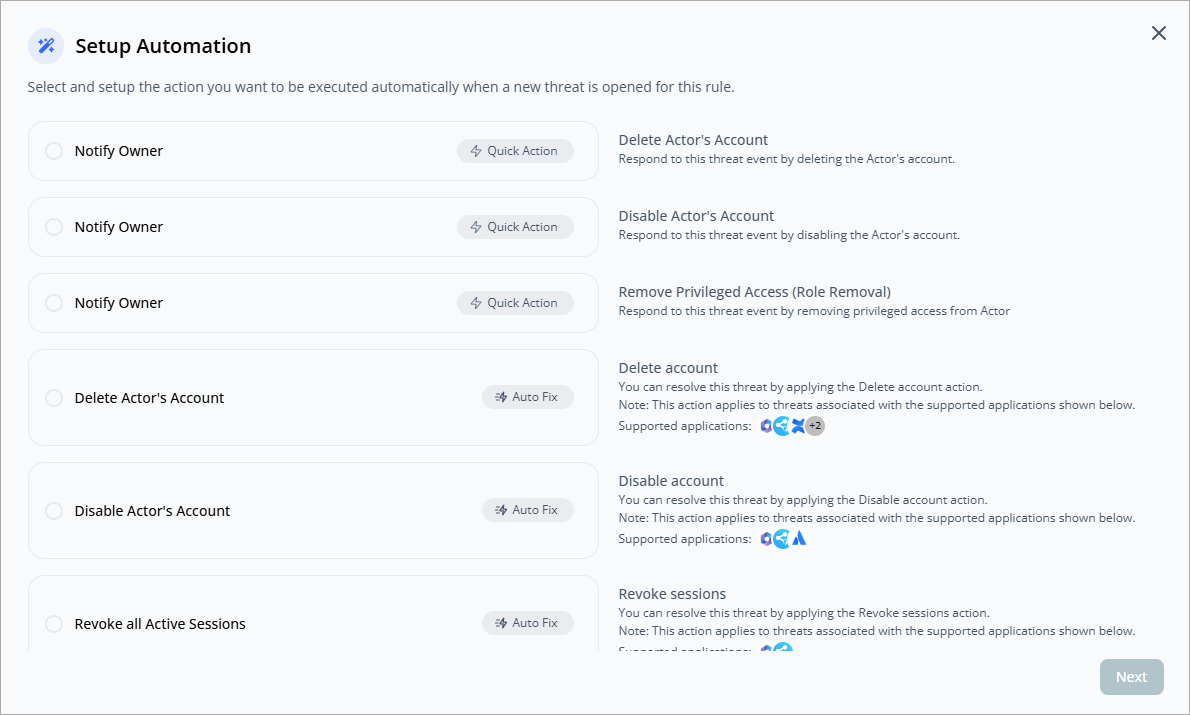
- Select the action you want to execute automatically when a new threat is detected by this rule.
- Click Next.
- The information required to configure the automation depends on the action selected. Enter the required information, then click Save Action.
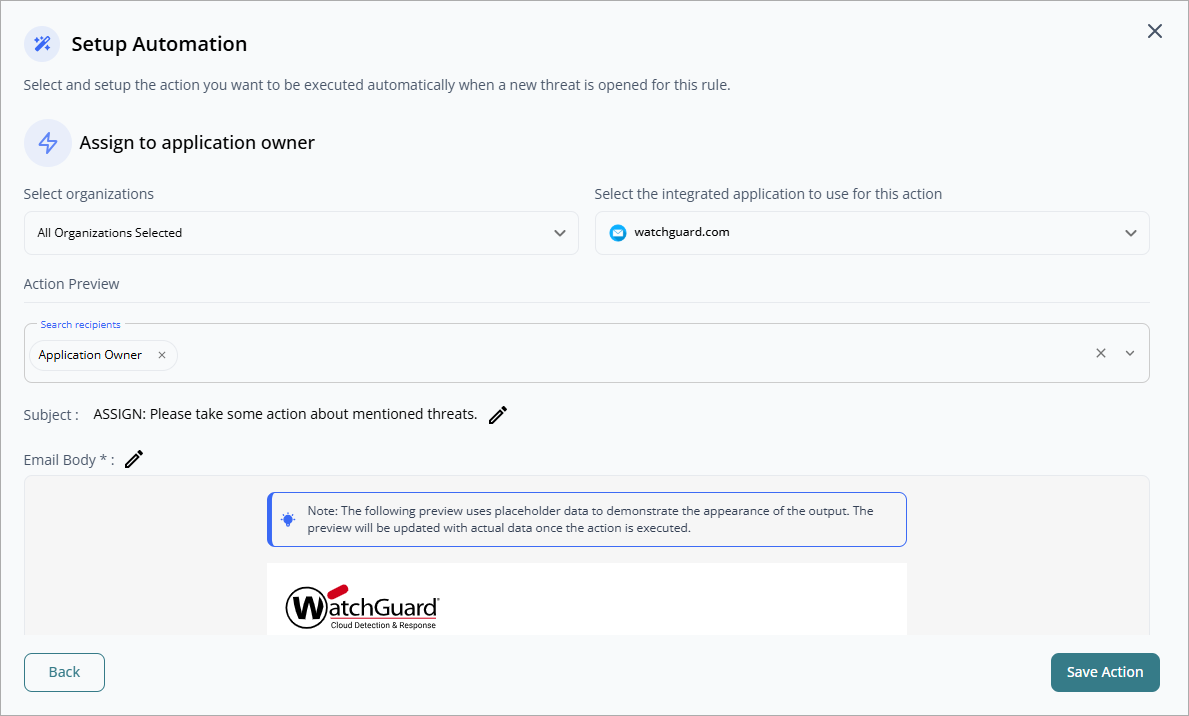
- For Service Providers, select the organization where you want to add automation. Click Save Action.
The Automation Created Successfully dialog box opens.
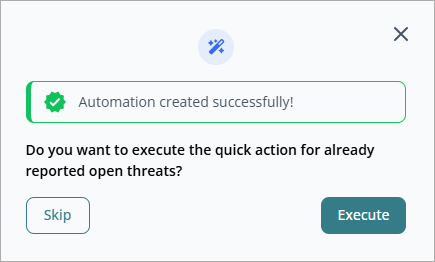
- If you want to execute the action now on existing threats, click Execute.
You can view the status of the automation in the Operations status page. For more information, go to Operations Status in WatchGuard CloudDR.
Threat Rules in WatchGuard CloudDR
Threat Rule Templates for Service Providers (Beta)