Applies To: WatchGuard Cloud
Some operators prefer to use dark mode settings because it can reduce eye strain or feel more comfortable in low-light environments. A light theme for a brighter interface can be easier to read in well-lit settings.
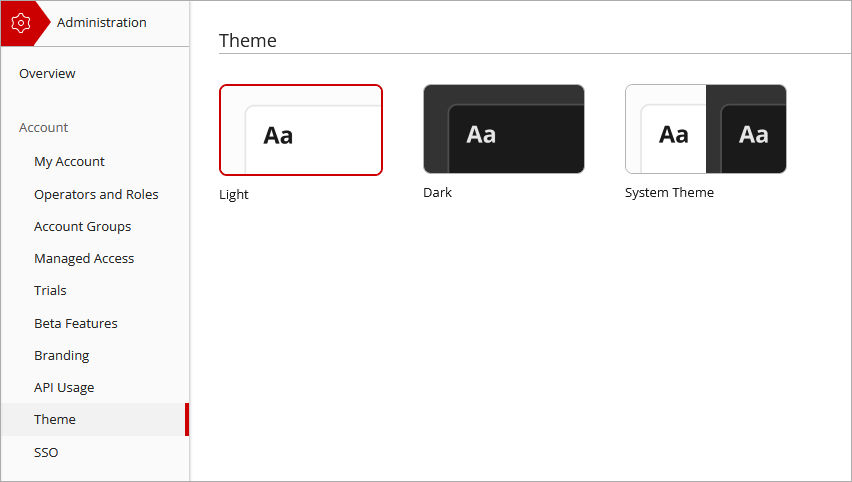
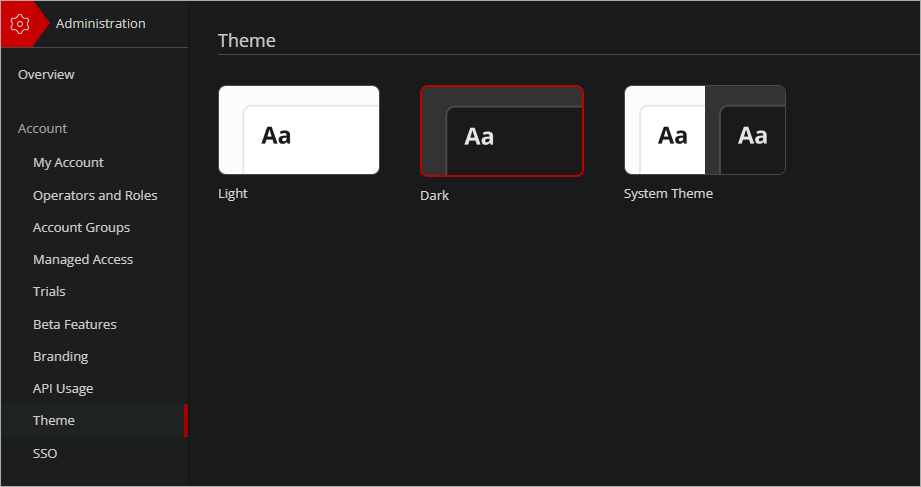
From the Theme page, you can select the operator preference for the color theme of the WatchGuard Cloud user interface. These options are available:
- Light
- Dark
- System Theme
System Theme matches the WatchGuard Cloud color theme to the option specified in your browser or operating system settings. When a browser theme is set, the expected behavior depends on the browser.
Your operator role determines what you can see and do in WatchGuard Cloud. Your role must have the Account Administration permission to view or configure this feature. For more information, go to Manage WatchGuard Cloud Operators and Roles.
To change the user interface theme:
- From the Administration menu, select Theme.
- Select the color theme you want to apply.
WatchGuard Cloud Administration