Applies To: ThreatSync
You do not have to purchase a new license to enable and use ThreatSync, but you must enable it in your account to use it. When you enable ThreatSync, it is automatically enabled on the Fireboxes, access points, and endpoint devices allocated to the account. These devices automatically send data to ThreatSync.
Before you begin, make sure that you meet the requirements for each product you want to use with ThreatSync. For more information, go to ThreatSync Requirements.
Enable ThreatSync in Your Account
To enable ThreatSync for your account, in WatchGuard Cloud:
- From Account Manager, select your account.
- Select Monitor > Threats or Configure > ThreatSync.

- In the ThreatSync tile, click Enable ThreatSync.
The Enable ThreatSync dialog box opens. ThreatSync is automatically enabled on any devices in your account.
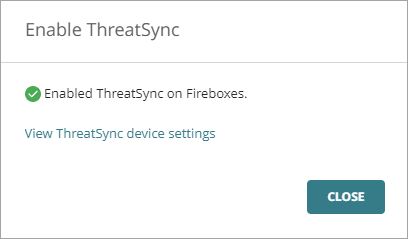
- Click Close.
The Device Settings page opens.
Manually Enable ThreatSync on a Device
When you enable ThreatSync for an account, it is automatically enabled on the Fireboxes, access points, and endpoint devices allocated to the account. You can manage which products and devices send data to ThreatSync from the Device Settings page. For more information, go to Configure Device Settings in ThreatSync.
You can also manually enable or disable ThreatSync at the device level.
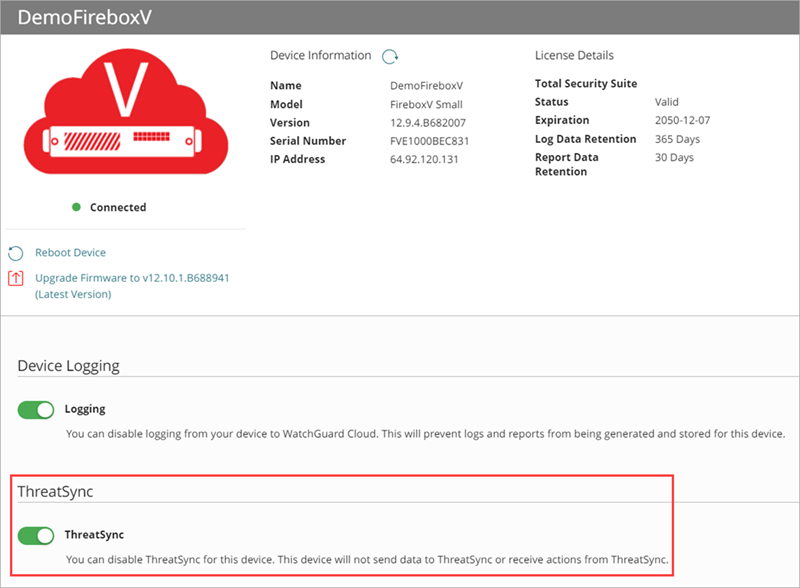
To enable or disable ThreatSync on a Firebox, at the device level:
- Select Configure > Devices.
- Select the Firebox.
- In the ThreatSync section, disable ThreatSync.
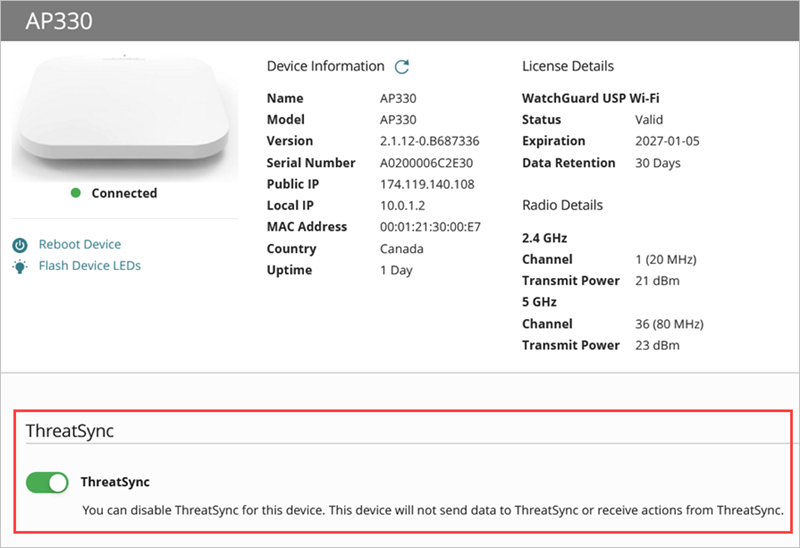
To enable or disable ThreatSync on an access point, at the device level:
- Select Configure > Devices.
- Select the access point.
- In the ThreatSync section, disable ThreatSync.
Configure Device Settings in ThreatSync
Review Incident Details in ThreatSync