Applies To: Locally-managed Fireboxes
References to DNSWatch in this topic relate to the legacy DNSWatch UI. To learn about DNSWatch in WatchGuard Cloud, go to About DNSWatch in WatchGuard Cloud in WatchGuard Cloud Help.
You can view diagnostic information for the DNSWatchGO Chrome extension. You might have to copy and send this information to WatchGuard Support when you troubleshoot problems.
To view DNSWatchGO Chrome extension diagnostics:
- In Chrome, next to the address bar, select the DNSWatchGO Chrome extension.
- Select Show Diagnostics.

- Click Display Diagnostics.
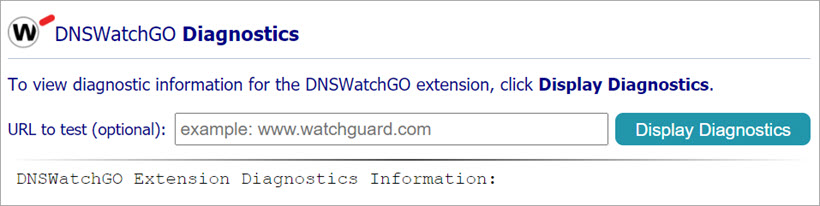
- To copy diagnostic information to troubleshoot or to send to Support, copy the text in the dialog box.

- Paste the text in an email or text file to send to Support.
About DNSWatchGO for Chrome OS