Applies To: WatchGuard Cloud
The Rai MCP Server supports connections to these external AI clients:
- Claude
- ChatGPT
- Cursor
Configuration
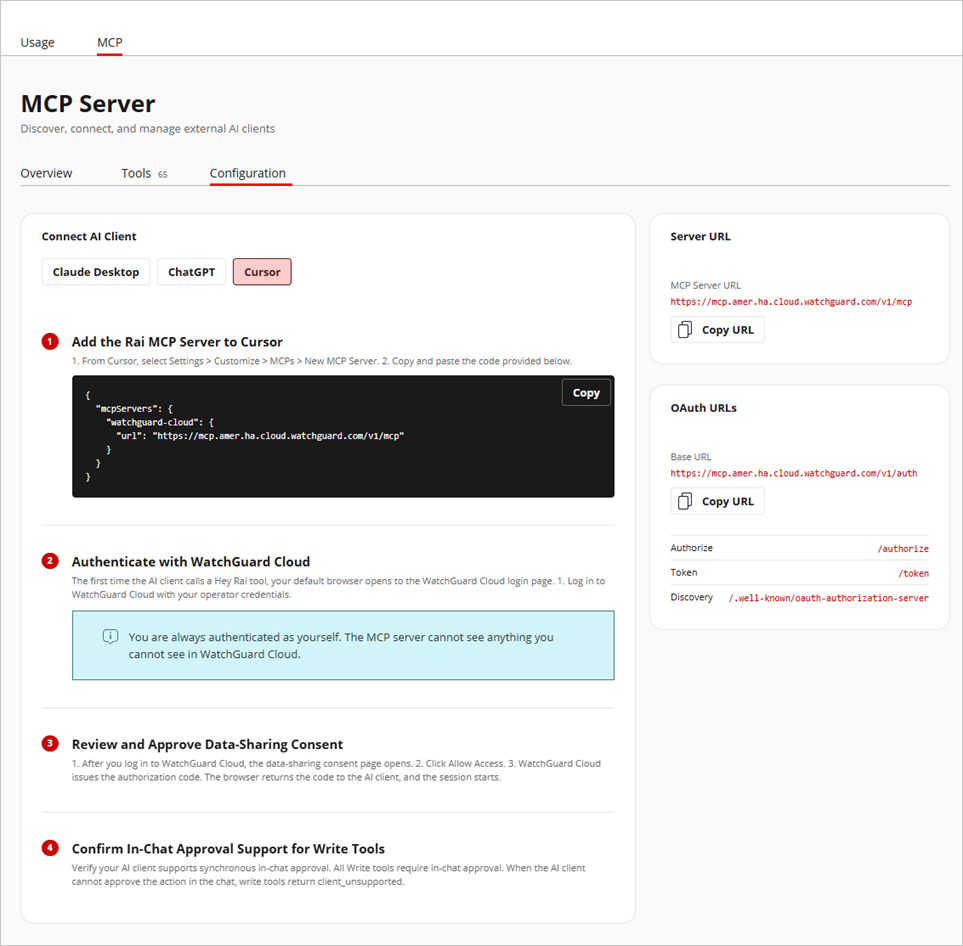
To connect to an external AI client, you must complete these basic steps:
- Add the Rai MCP Server to your AI client.
- Authenticate in WatchGuard Cloud.
- Review and approve the data-sharing consent form.
- Verify your AI client supports synchronous in-chat approval.
For detailed instructions, with configuration data you can copy directly into your AI client, go to Administration > Rai > MCP > Configuration, then select your AI client.