
Related Topics
Monitor Wireless Access Points and Clients
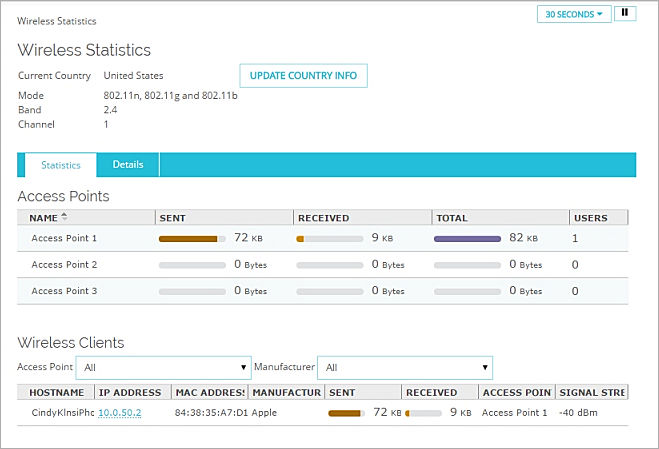
From Fireware Web UI, you can monitor statistics for the access points configured on your Firebox, and see statistics about connected wireless clients. You can also update the country information for your wireless Firebox.
The hostname and IP address of wireless clients appear only if the client uses the Firebox device as a DHCP server.
To see wireless statistics, from Fireware Web UI select System Status > Wireless Statistics.
For more information about this system status page, see Wireless Statistics