
Related Topics
Configure IPS Notification
The IPS notification settings determine how the Firebox notifies you when content is blocked by an IPS signature at a threat level when alarms are enabled. The settings for logging and notification are similar throughout the Firebox configuration. For more information about the settings, see Set Logging and Notification Preferences.
To configure IPS notification settings, from Fireware Web UI:
- Select Subscription Services > IPS.
- Select the Notification tab.
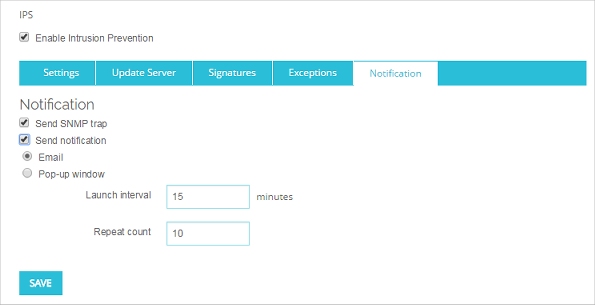
- Configure the notification settings.
To configure IPS notification settings, from Policy Manager:
- Select Subscription Services > Intrusion Prevention.
- Click Notification.
The Notification dialog box appears.
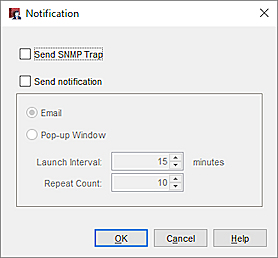
- Configure the notification settings.