Related Topics
Configure Network Settings
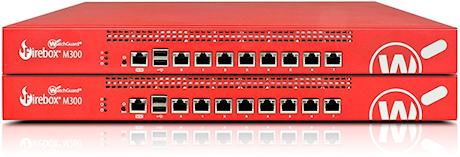
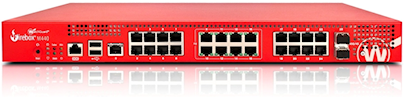
Network settings define the networks connected to the Firebox, and determine how the Firebox routes traffic between connected networks. The network configuration on the Firebox includes network interface settings, as well as the configuration settings network address translation, routing, VPNs, and FireCluster.
For more information, see:
Configure Network Interface Settings
Learn how to configure settings for physical and virtual network interfaces on the Firebox.
Configure Network Address Translation (NAT)
Learn about the types of Network Address Translation and how to configure them on your Firebox.
Configure Routing
Learn how to configure static and dynamic routing, and how to read the Firebox route tables.
Manual Branch Office VPN Tunnels
Learn how to configure VPN connections between two Fireboxes, or between a Firebox and a third-party IPSec VPN gateway.
Mobile VPN Tunnels
Learn how to set up Mobile VPN tunnels to enable your users to securely connect to your network resources from a remote location.
FireCluster
Learn how to configure two Fireboxes of the same model as a cluster for redundancy and scalability.