Applies To: Locally-managed Fireboxes
You can locate a policy in Policy Manager with the address, port, protocol, or tag information for the policy.
- Select Edit > Find.
The Find Policies dialog box appears.
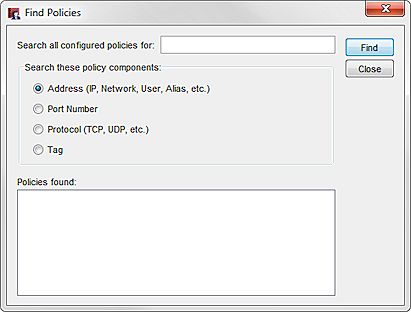
- In the Search all configured policies for text box, type the string to search for.
For address, protocol, and tag searches, Policy Manager performs a partial string search. You can type only a partial string. Policy Manager shows all policies that contain the string. - Select Address, Port Number, Protocol, or Tag to specify a policy component.
- Click Find.
The policies that match the search criteria appear in the Policies Found list. - To edit a policy that is returned for a search, double-click the policy name.