Applies To: Locally-managed Fireboxes
You can use WatchGuard Server Center to manage all your WatchGuard servers.
To open WatchGuard Server Center:
- Right-click
 in the system tray and select Open WatchGuard Server Center.
The Connect to WatchGuard Server Center dialog box opens. - Type your Username and Administrator Passphrase.
- Click Login.
WatchGuard Server Center opens.
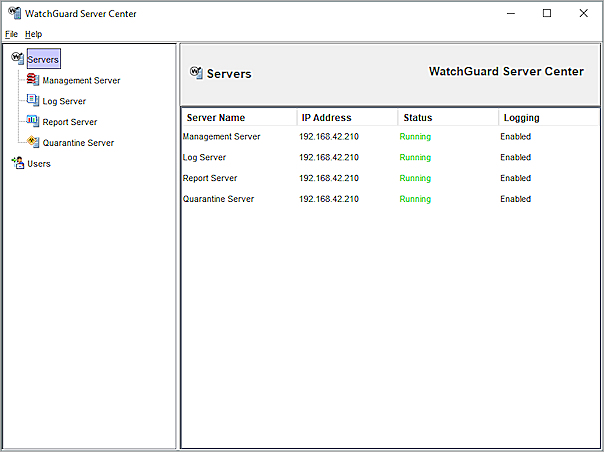
- From the Servers tree, select the server you want to configure.
Note: The locally installed WebBlocker Server only supports Fireboxes with Fireware OS 12.1.x or lower installed. For more information, go to the Fireware 12.1 Help.