Applies To: WatchGuard Cloud
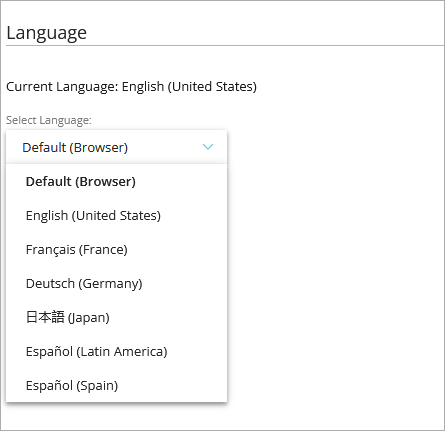
From the Language page, you can select the language of the WatchGuard Cloud user interface for your operator account. These options are available:
- Default (Browser)
- English (United States)
- Français (France)
- Deutsch (Germany)
- 日本語 (Japan)
- Español (Latin America)
- Español (Spain)
If you select Default (Browser), the WatchGuard Cloud user interface displays in the language specified in the browser settings.
Your operator role determines what you can see and do in WatchGuard Cloud. Your role must have the Account Administration permission to view or configure this feature. For more information, go to Manage WatchGuard Cloud Operators and Roles.
To change the user interface language:
- From the Administration menu, select Language.
- Select the language.
WatchGuard Cloud automatically updates to show the user interface in the language you selected.