Applies To: WatchGuard Cloud
For Service Providers, the Account Devices page shows you a quick overview of your managed accounts and the number of Fireboxes and Access Points installed in the accounts. To refresh the page, click  . You can search the list by account name.
The Account Devices page shows this information:
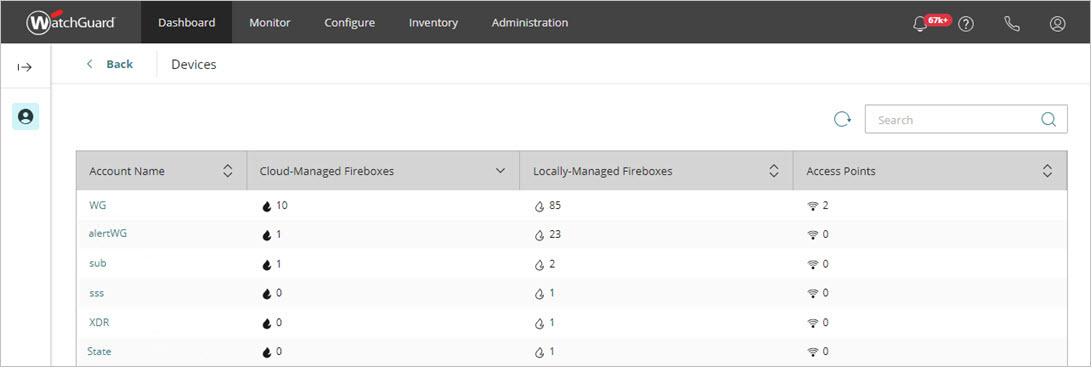
- Account Name — Indicates the name of the account. Click the account name to show the Devices page for the account. For more information, go to Device and Account Management.
- Cloud-Managed Fireboxes — Indicates the total number of cloud-managed Fireboxes in an account.
- Locally-Managed Fireboxes — Indicates the total number of locally-managed Fireboxes in an account.
- Access Points — Indicates the total number of access points managed by WatchGuard Cloud in an account.